


Safety shoes for everyday jobs
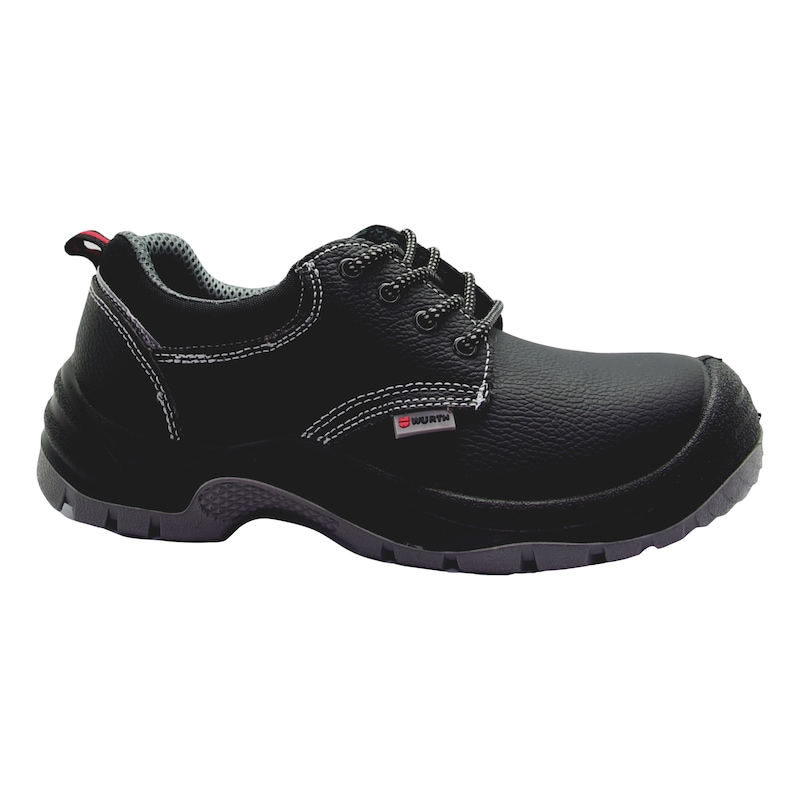
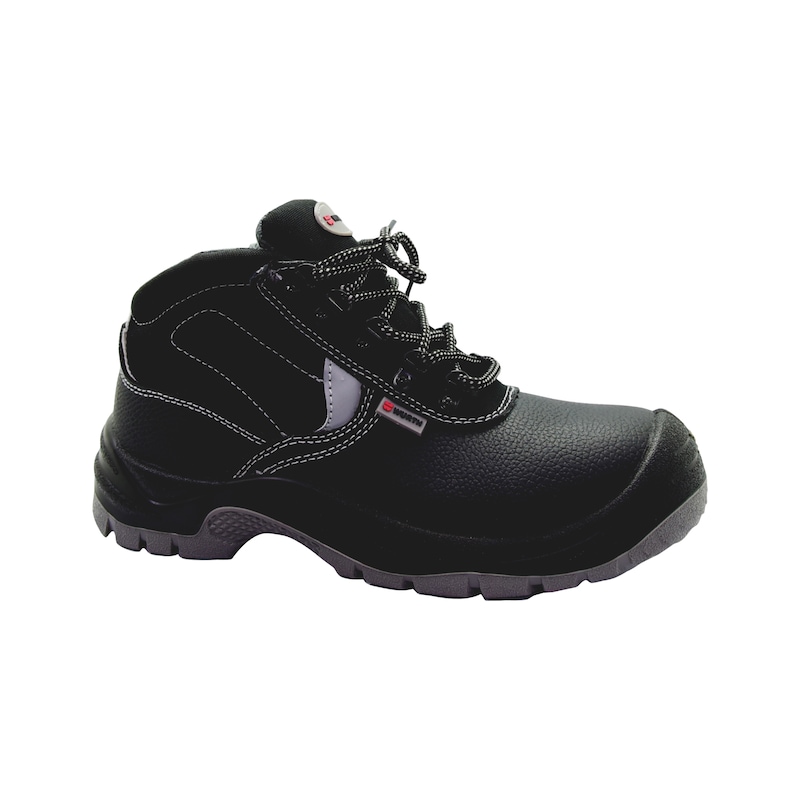
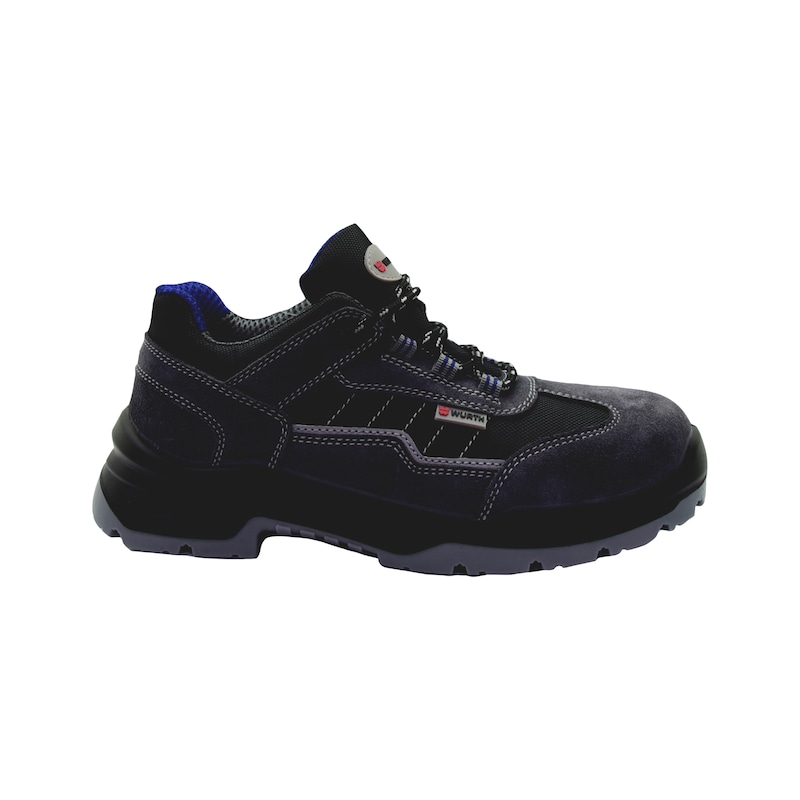
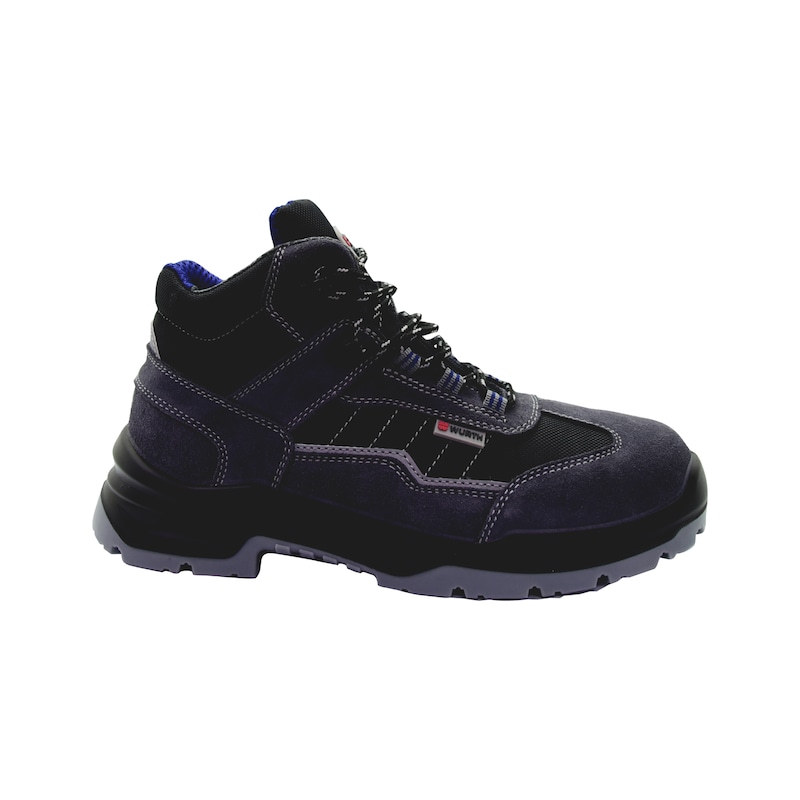
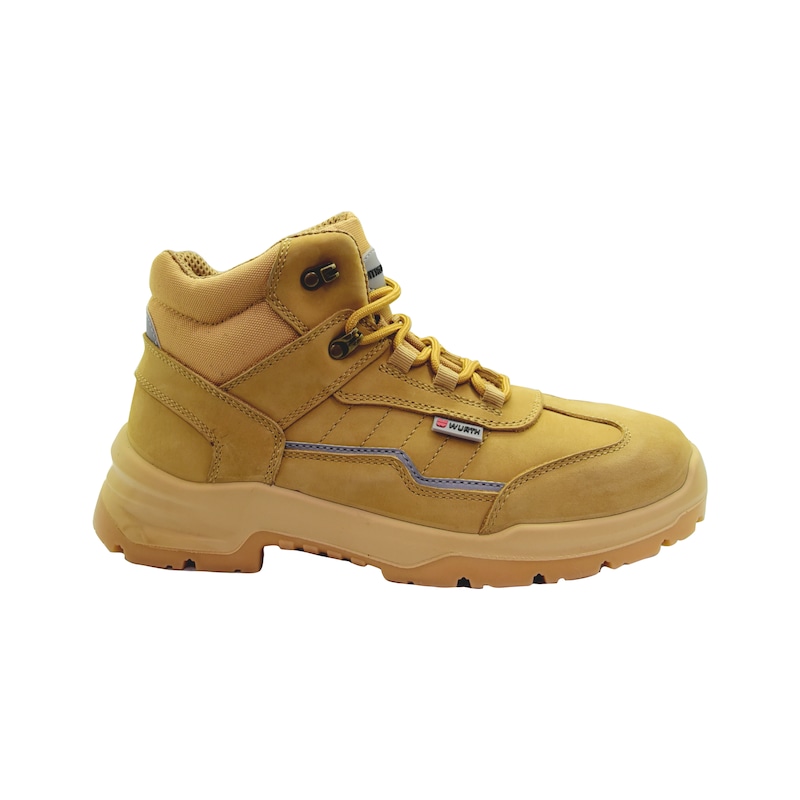
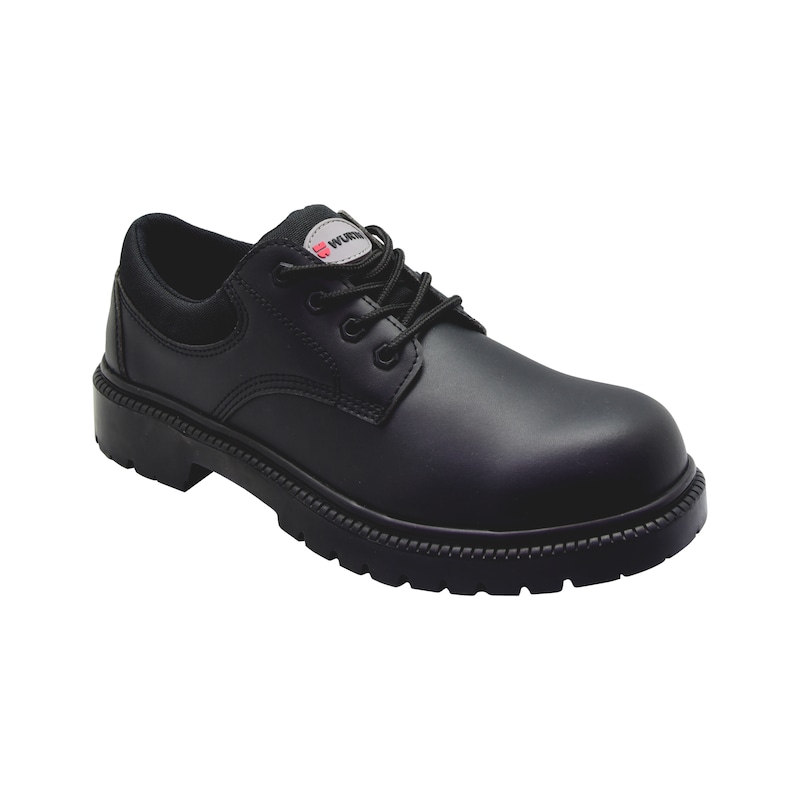
Safety shoes should be comfortable, abrasion-resistant and durable. They should also be appropriate for the respective working conditions. Do you work outdoors or indoors? What is the risk assessment of your professional duties? This determines the minimum protection class you need to wear at work. The basic specification in general workshops is S1P. In car workshops, for example, it is mandatory to wear S3 safety shoes. Here you will find more detailed information about the different protection classes.


Safety shoes according to DIN EN ISO 20345
The ideal choice of safety shoes for your job depends on the activities you perform and the associated risks. Our comfortable safety shoes are certified according to the international standard DIN EN ISO 20345.
FAQ - the most common questions on professional and work shoes
Everyday dirt can be removed easily with a brush or a damp cloth. In the case of leather shoes, regular care with leather balm is recommended from first acquiring. It is best to rub the balm in with a cotton cloth and then leave the shoes to sit for 12 to 24 hours. This makes the leather supple and durable. Raw leather shoes such as suede or buckskin should be brushed regularly with a soft textile brush.
On long working days, it is normal for feet to release moisture and sweat. However, safety shoes are not suitable for washing in the washing machine.
In general, you should know that ESD shoes protect items and not the wearer. ESD stands for electrostatic discharge, which is the electrical charge between two elements equalizing to restore electrical balance. If you walk over a carpet in an office and then touch a metal latch, it is not uncommon to get a small electric "shock”. ESD shoes are designed to prevent damage occurring from discharge, such as electronic components being destroyed, or fires/explosions occurring in areas at risk of such, such as fuel installations. Warning: ESD shoes are not suitable for working on electrical sources.
After activating this functionality, your login data (customer number and partner number) is saved as a so called Cookie on your local file system. We recommend to use this function only if no other users are working with this computer, tablet or smartphone. In generally we suggest: Log out after your purchase. More information about Cookies can be found in our data privacy statement."
You will find your customer number on a Würth invoice, a delivery note or an order confirmation. It will be displayed on the first page, in the top right hand corner. If you do not have any of these Würth documents, please call our service hotline on 800 98784. You can reach us from Mondays to Fridays from 8:00 am to 5:00 pm (not on public holidays).
You are still not a Würth customer? You can register online in a few simple steps. Once you have successfully registered, you will have access to all prices and can then place an order. Click on "Register now".
To log in with your mobile phone number please enter your mobile phone number, verified during the registration process. If you didn’t verify your mobile phone number yet please use the Partner Number login and verify your mobile phone number after login in ‘My Account’ Settings.
You are not yet a Würth customer? You can register online in a few simple steps. Once you have successfully registered, you will have access to all prices and can then place an order. Click on "Register now"
You will receive your partner number together with your login details once you have successfully registered on the Würth Online Shop via an email to the email address you specified on the registration form. Alternatively you can contact your sales representative. If you do not have this data, please call our service hotline on 800 98784.
To log in with a personal login name, please enter the login name you have chosen. If you have not yet assigned a login name, please use the login with customer number and assign a login name after successful login in the settings of 'My account'.
The password for the Würth Online Shop is either the password you entered during the initial registration, or the password given to you by your company. The password must be at least 8 characters long and be composed of numbers and letters, with at least 4 different characters. The use of special characters is not permitted. The following terms are also not allowed as a password: your customer number, "wuerth1", "abcdefg".
After activating this functionality, your login data (customer number and partner number) is saved as a so called Cookie on your local file system. We recommend to use this function only if no other users are working with this computer, tablet or smartphone. In generally we suggest: Log out after your purchase. More information about Cookies can be found in our data privacy statement."
You will find your customer number on a Würth invoice, a delivery note or an order confirmation. It will be displayed on the first page, in the top right hand corner. If you do not have any of these Würth documents, please call our service hotline on 800 98784. You can reach us from Mondays to Fridays from 8:00 am to 5:00 pm (not on public holidays).
You are still not a Würth customer? You can register online in a few simple steps. Once you have successfully registered, you will have access to all prices and can then place an order. Click on "Register now".
To log in with your mobile phone number please enter your mobile phone number, verified during the registration process. If you didn’t verify your mobile phone number yet please use the Partner Number login and verify your mobile phone number after login in ‘My Account’ Settings.
You are not yet a Würth customer? You can register online in a few simple steps. Once you have successfully registered, you will have access to all prices and can then place an order. Click on "Register now"
You will receive your partner number together with your login details once you have successfully registered on the Würth Online Shop via an email to the email address you specified on the registration form. Alternatively you can contact your sales representative. If you do not have this data, please call our service hotline on 800 98784.
To log in with a personal login name, please enter the login name you have chosen. If you have not yet assigned a login name, please use the login with customer number and assign a login name after successful login in the settings of 'My account'.
The password for the Würth Online Shop is either the password you entered during the initial registration, or the password given to you by your company. The password must be at least 8 characters long and be composed of numbers and letters, with at least 4 different characters. The use of special characters is not permitted. The following terms are also not allowed as a password: your customer number, "wuerth1", "abcdefg".
Login issues or any inquiries? Chat with us now
